
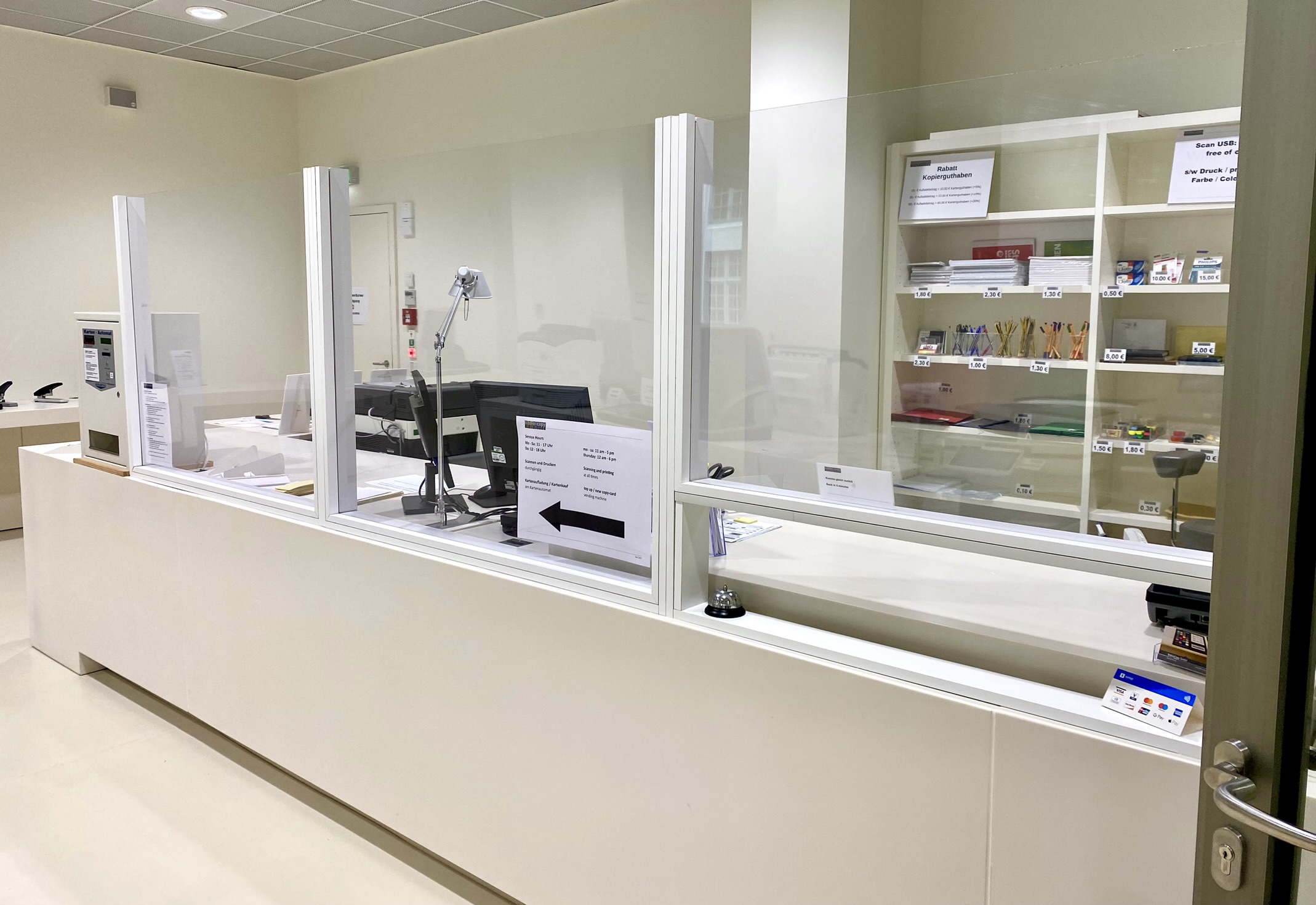
You can print complete PDF files directly from a USB stick of up to 32 GB at any of our large printers.
Requirements
- Credit on a Copy card
- PDF file on a USB stick (up to 32 GB)
Instructions
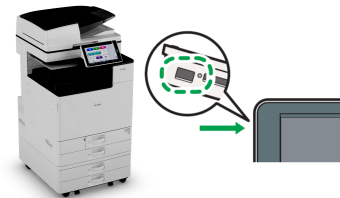
- Connect the USB stick on the left of the copier display. Once it is recognised, a window will appear.
- Select “Print/Scan Storage Device”, then “Print from Storage Device” on the next screen.
- Select the document; only PDF files are shown.
- Under “Print Settings”, select options such as colour/black and white or simplex/duplex.
- Press the green “Start” button to print.
- Press “Log out” and confirm with “OK”.
- Press the red button on the card reader to retrieve your card.
Please note
To print other formats such as Word files, or selected pages rather than a complete document, please use the printing service from Stabi Berlin computers.
You can also use this method if our printers do not recognise your USB stick.
Automatic scaling is not available for direct printing. If a document is not formatted as A4 – often the case with scanned documents – it may print with an unnecessarily large margin or crop part of the page.
In this case, please also use the printing service from Stabi Berlin computers, where you can scale the document to A4.
Prices
- A4 black-and-white print: 0,10 €
- A4 colour print: 0,20 €
- Prices are doubled for A3 prints.
- Please note that the devices default to colour printing.
In the print settings, select bitonal to avoid unnecessary costs.